
Mona Lisa 1 - Turn Complex Ideas Into Polished Visuals
Turn Complex Ideas Into Polished Visuals
Describe the subject, materials, lighting, camera, layout, and style mix you want, or upload a reference image to guide the result. Turn structured creative direction into detailed portraits, product scenes, storyboards, and multi-style images you can refine and download.
Monalisa 1 Image Creation Features
Create photoreal details, combine visual styles, organize complex compositions, and guide edits with references in one flexible image workflow.
Photoreal Detail and Material Texture
Create portraits, product scenes, and close-up visuals with natural skin, fabric weave, lighting, and material response. Detailed prompts help preserve believable surfaces without the flat or plastic look common in basic generations.
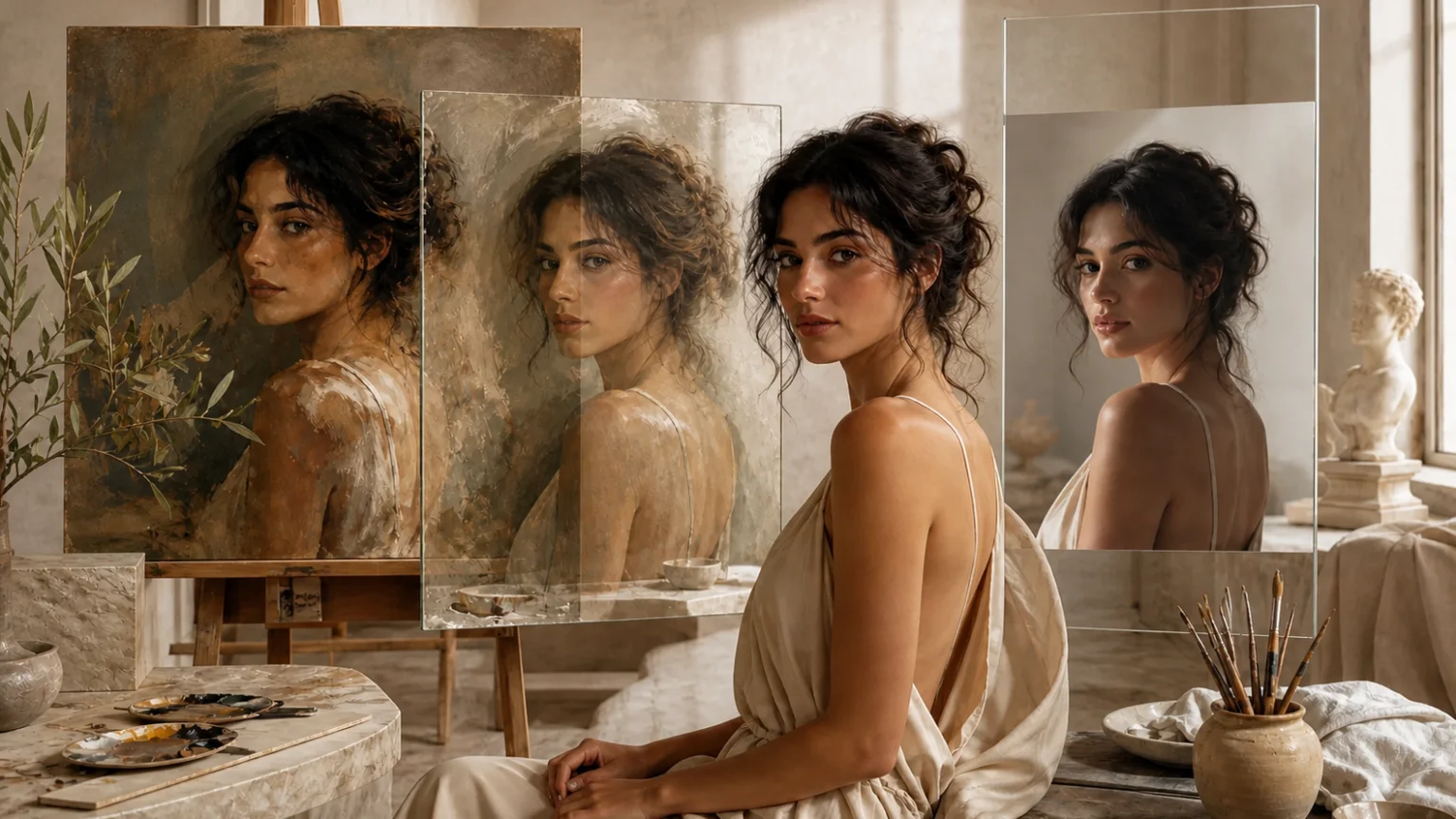
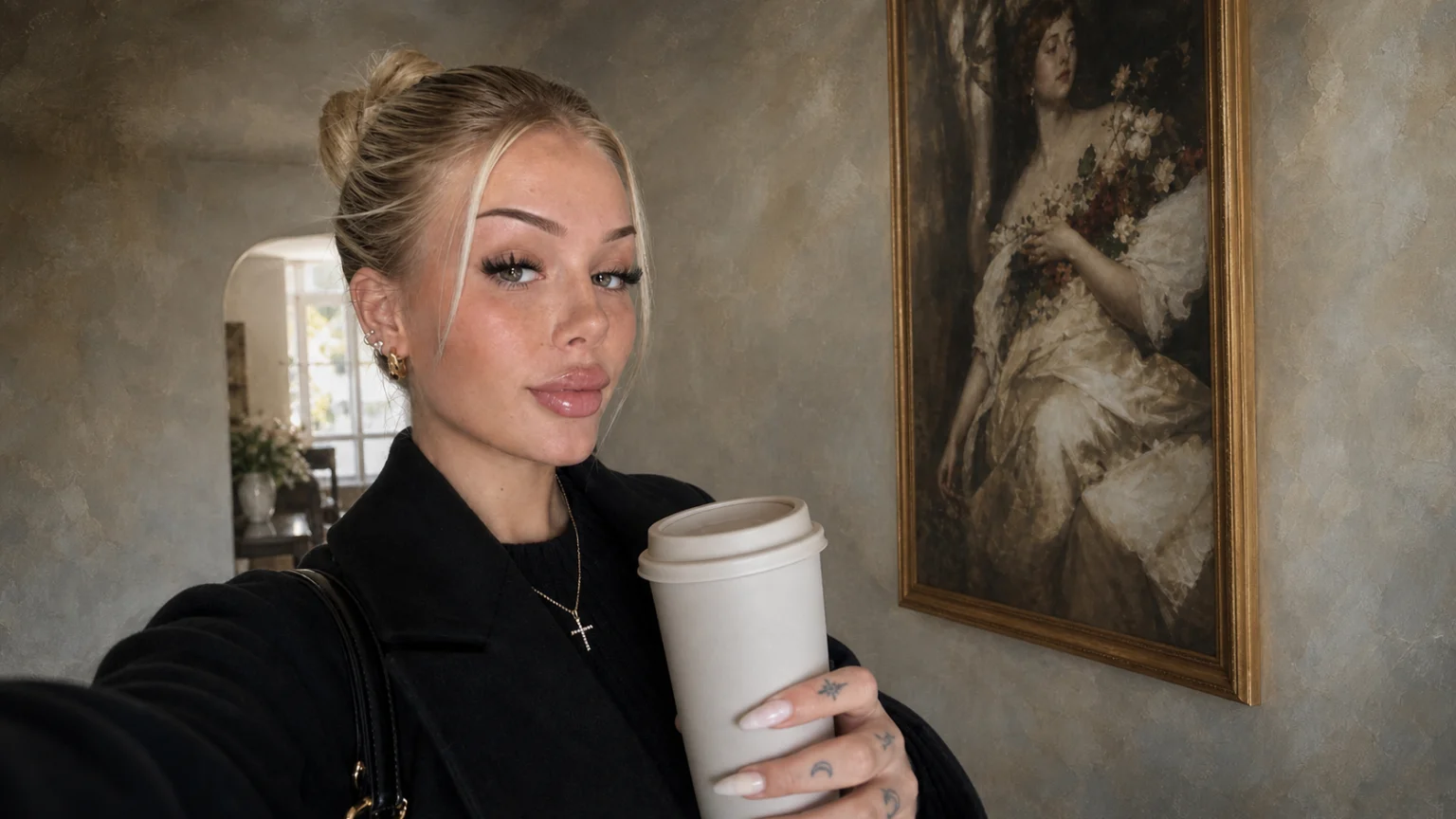
Multi-Style Control in One Frame
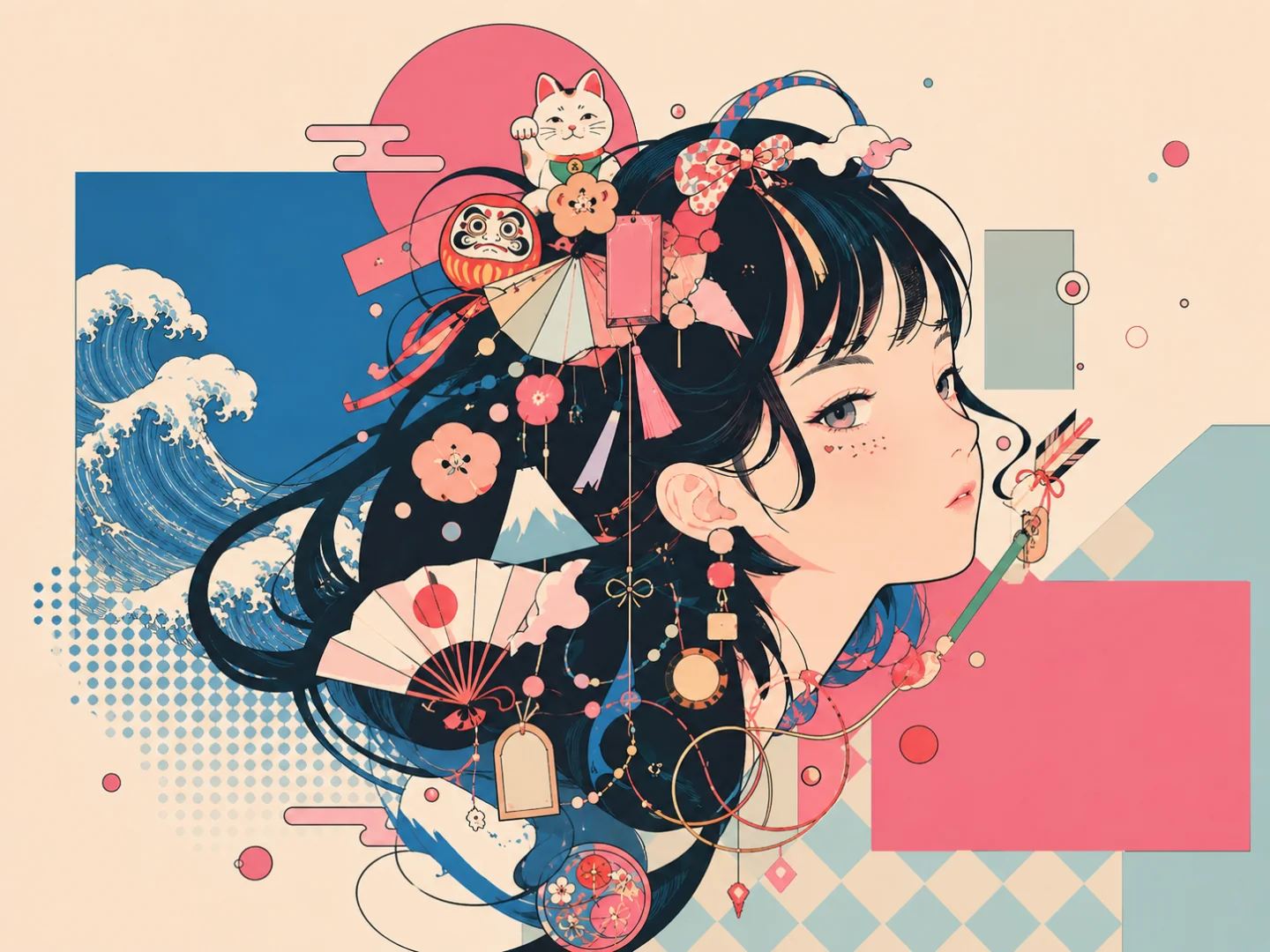
Combine photography, anime, sketch, clay, illustration, or other visual directions inside one coherent scene. Define where each style appears while keeping the subject, lighting, and composition connected.
Complex Layout and Storyboard Structure
Generate dense grids, multi-panel storyboards, campaign boards, and structured compositions from a clear brief. Control panel purpose, reading order, spacing, and visual hierarchy so complex ideas stay organized.
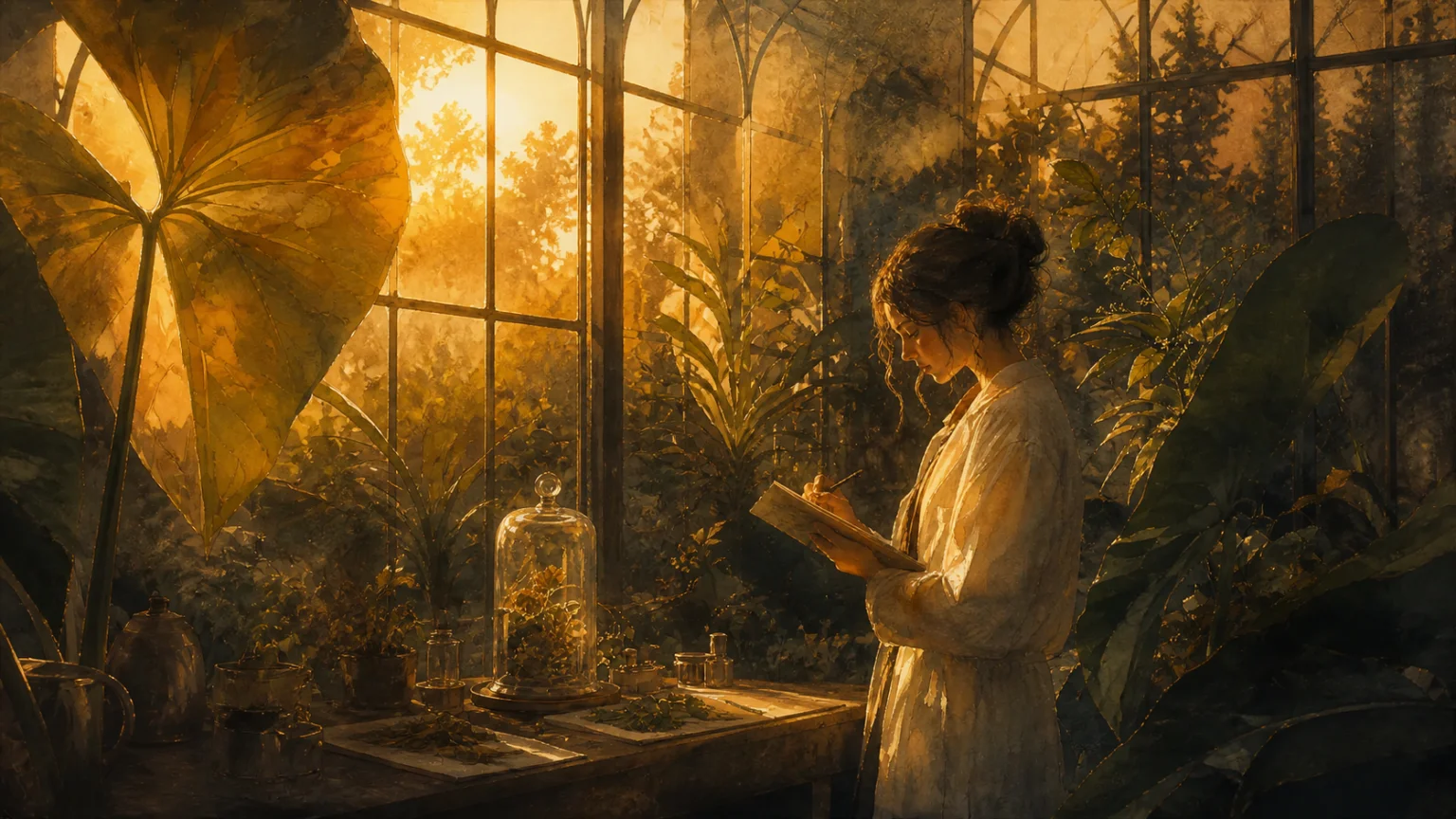
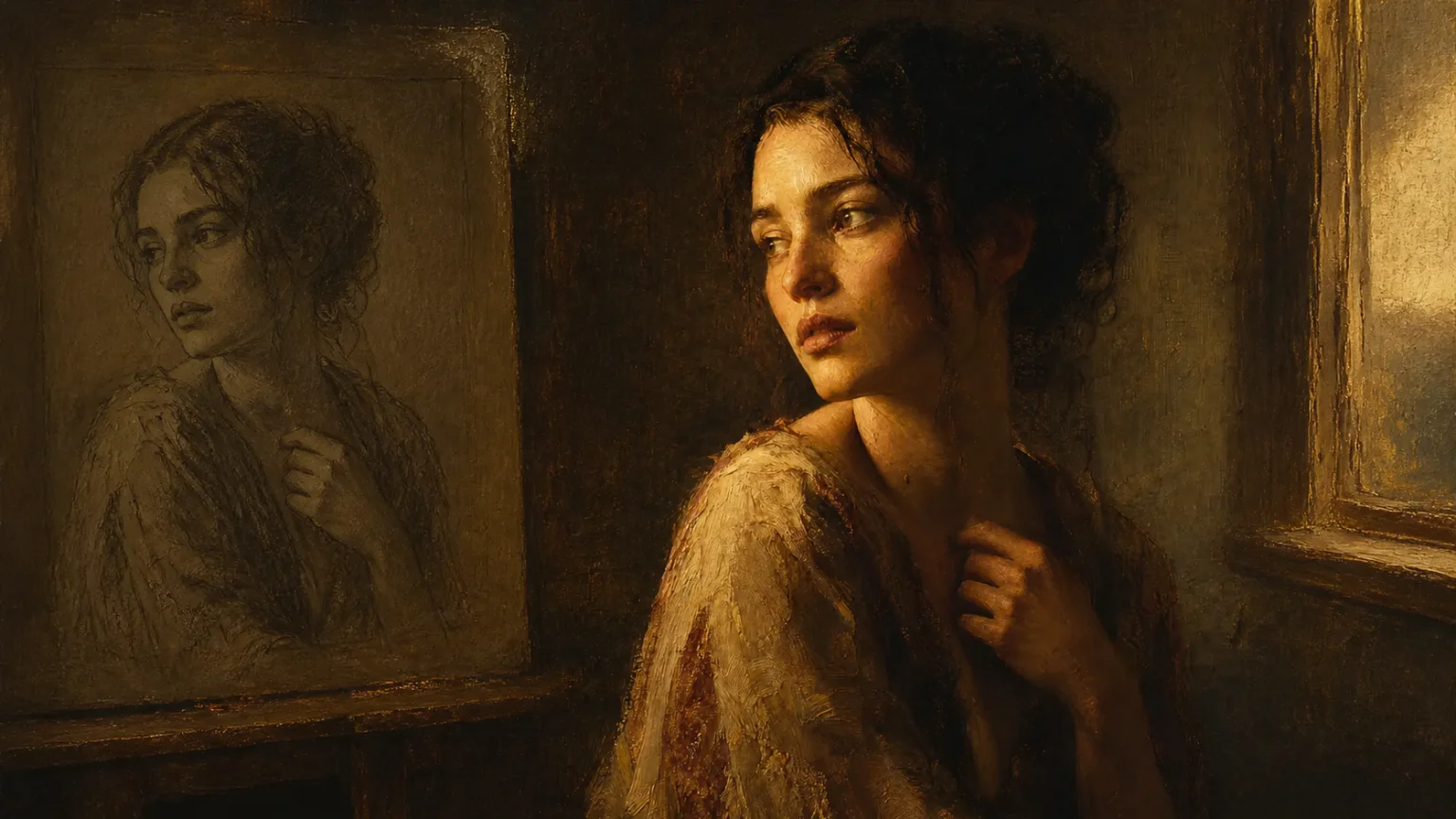
Reference-Guided Image Editing
Upload references to guide identity, product shape, art direction, background, lighting, and composition. Use follow-up prompts to restyle scenes, replace details, or refine local areas while preserving the visual elements that matter.
How to Use Monalisa AI
Move from a structured creative brief to a refined, downloadable image in three steps.
Describe the Image or Add a Reference
Write a detailed prompt covering the subject, materials, lighting, camera, composition, style, and intended use. Upload a reference when you need consistent identity, product shape, pose, or visual direction.
Choose the Format and Generate
Select the aspect ratio, resolution, and available quality settings that fit your project, then generate the image. The workflow resolves the composition, style mix, textures, and prompt constraints into a complete visual.
Refine and Download
Review the result and use follow-up prompts to adjust lighting, framing, style balance, or local details. When the image matches your direction, download it for your creative or production workflow.
What You Can Create With Monalisa-1
Use Mona Lisa 1 for visual work that benefits from detailed prompts, reference guidance, mixed styles, and structured compositions.
Product and Campaign Visuals
Create product scenes, packaging concepts, beauty key visuals, landing-page images, campaign boards, and advertising drafts. Guide lighting, commercial color, negative space, and composition for the intended placement.
Storyboards and Creative Concepts
Turn a narrative brief into multi-panel storyboards, character explorations, mood frames, and pre-production concepts. Use structured prompts to keep scenes readable and maintain continuity between visual ideas.
Portraits and Social Visuals
Generate editorial portraits, stylized characters, thumbnails, covers, and social posts with controlled skin texture, fabric detail, lighting, framing, and style. Explore multiple directions before choosing a final image.
Simple, Transparent Pricing
Choose the perfect plan for your needs. Save 33% with yearly billing — pay for 8 months, get 12 months of credits.
Starter
- Per 100 credits$3.33
- vs Monthly-33%
- Best forCasual users
- Pay 8 months, get 12
- Cancel anytime
- Monthly refresh, unused expire
Standard
- Per 100 credits$2.22
- vs Monthly-33%
- Best forRegular creators
- Pay 8 months, get 12
- Cancel anytime
- Monthly refresh, unused expire
Premium
- Per 100 credits$1.67
- vs Monthly-33%
- Best forPower users
- Pay 8 months, get 12
- Cancel anytime
- Monthly refresh, unused expire
Studio
- Per 100 credits$1.48
- vs Monthly-33%
- Best forStudios / agencies
- Pay 8 months, get 12
- Cancel anytime
- Monthly refresh, unused expire
FAQs About Monalisa-1
Answers about the Mona Lisa 1 name, image workflow, references, prompt writing, and supported creative uses.
Create Your Next Visual With Mona Lisa 1
Turn structured prompts and reference images into detailed portraits, product scenes, storyboards, and multi-style visuals. Sign up, use available trial credits, and start creating online.